
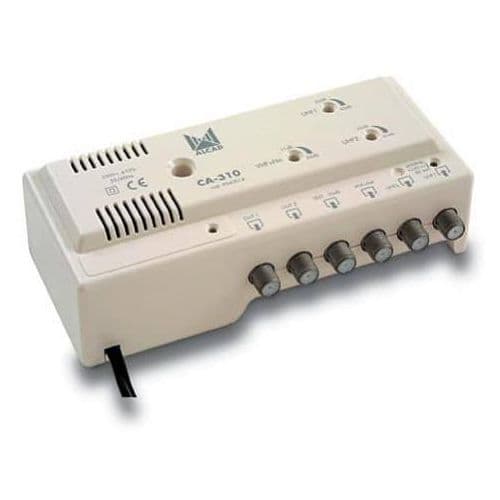
Pay securely online and your subscription is activated by our team. Decoders, accessories and installation too.
Decoders, dishes and accessories from an authorised dealer.
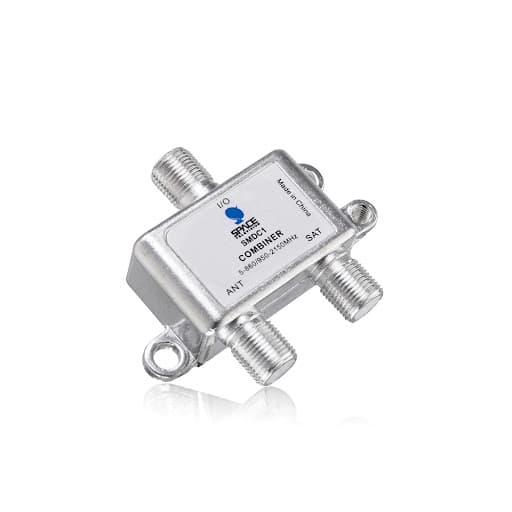
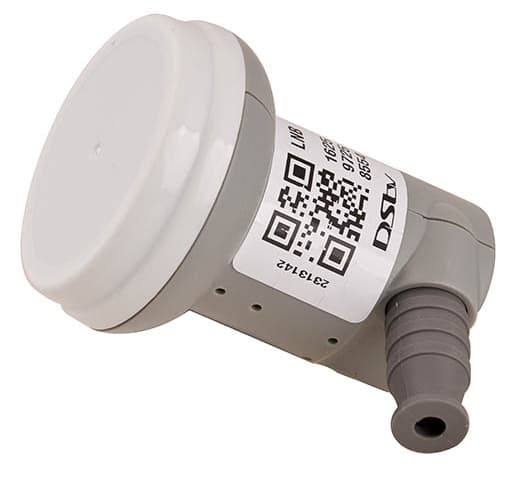
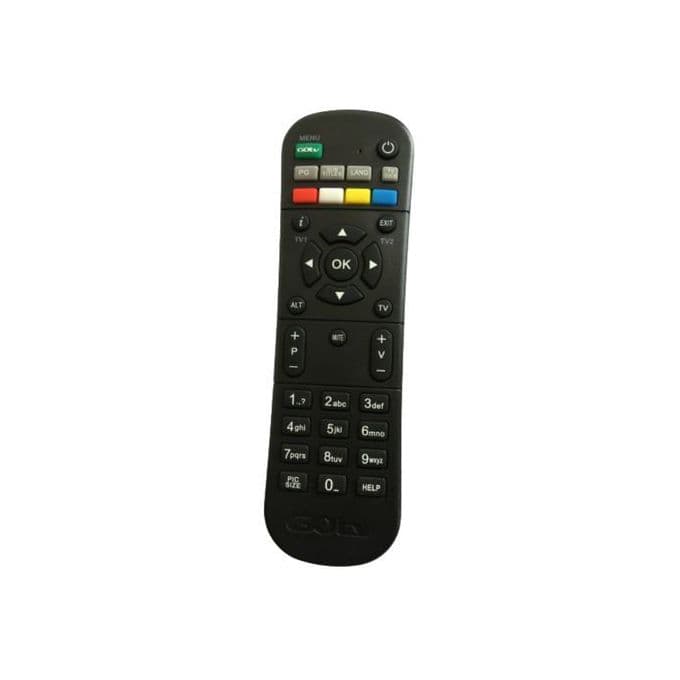
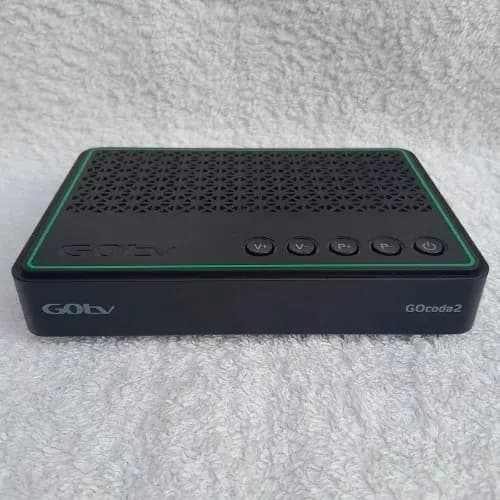
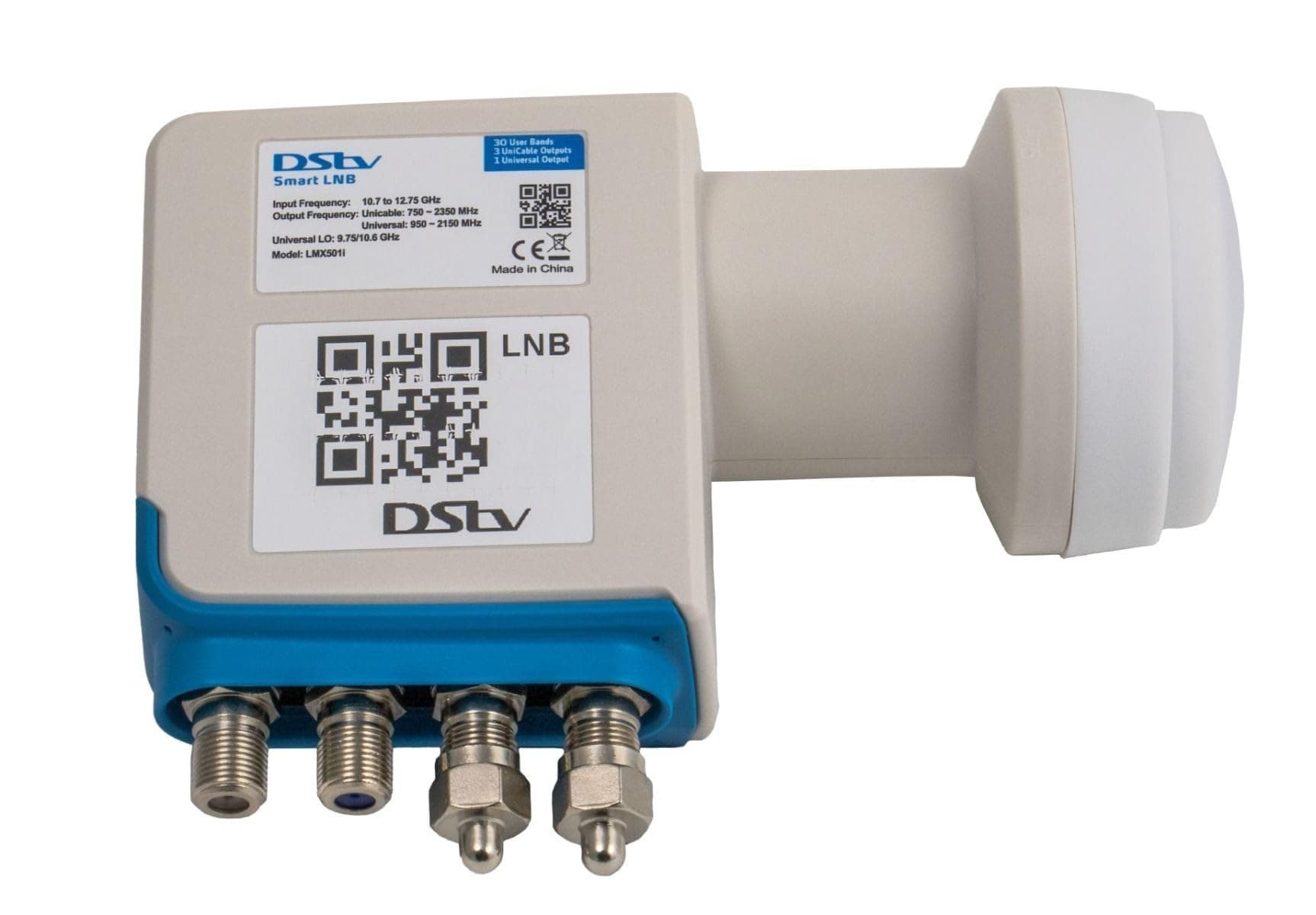
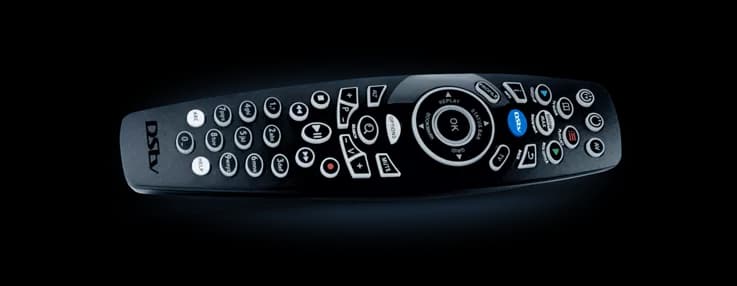

Certified technicians set up your DStv or GOtv the right way, with a 30 day warranty.
Book installationVisit any of our branches for sales, subscriptions and support.
Find a branchDecoder error? Our team will help you troubleshoot and get back to watching.
Get help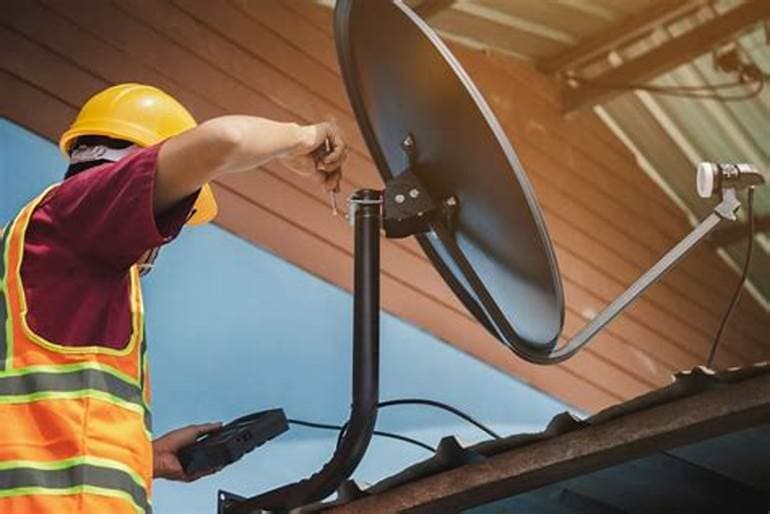
Micgrand Resources started as a retailer and grew into a leading mega dealer of DStv, GOtv and Showmax products. We sell decoders and accessories, renew subscriptions, and install and maintain equipment for homes and businesses.
About us(1) Login to WhatsApp (2) Select 1 to check balance (3) The balance due will be displayed with your account details.
(1) Input USSD short code (2) Enter IUC/Smartcard number (3) Save IUC/Smartcard number (4) Land on the main menu and select Check Balance (5) The due balance will be displayed.
(1) Input login credentials and sign in to the MyDStv app (2) Click on Pay/Pay Now icon (3) Choose your preferred payment option (4) Enter the correct payment details for transaction to happen (5) Your transaction should go through and receive a success pop-up message.
(1) Input login credentials and sign in to the DStv website (2) Click on Pay/Pay Now icon (3) Choose your preferred payment option (4) Enter the correct payment details for transaction to happen (5) Your transaction should go through and receive a success pop-up message.
(1) Input login credentials and login (2) Select Pay Now (3) If you have an amount due, select Pay (4) Select your Preferred Payment Provider (5) Select your Payment Method and Enter requested details to continue (6) Input account details and select Continue to pay (7) You will be informed of successful payment.